-
Our mission
NIWA's mission is to conduct leading environmental science to enable the sustainable management of natural resources for New Zealand and the planet. -

Mean monthly temperatures (°C)
These datasets are available in a range of formats. -
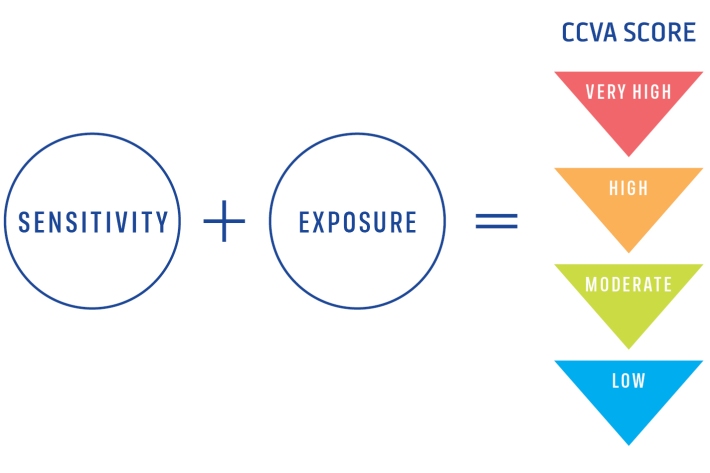
Climate Change Vulnerability Assessment (CCVA)
ServiceTo prepare for changes in climate, our freshwater and oceans decision-makers need information on species vulnerability to climate change. -
Scholarships
Scholarships available to both Masters and undergraduate students in the fields of fisheries science and marine biology. -

Assessment of crop and tree species growing potential using climate, soil and topographic information
Research ProjectThis project demonstrates how to assess high value alternative land-use options by means of a quantitative analysis of the growing potential of selected niche crops and tree species. -
Daily climate maps
These climate maps are updated daily and are based on data from our National Climate Database. -
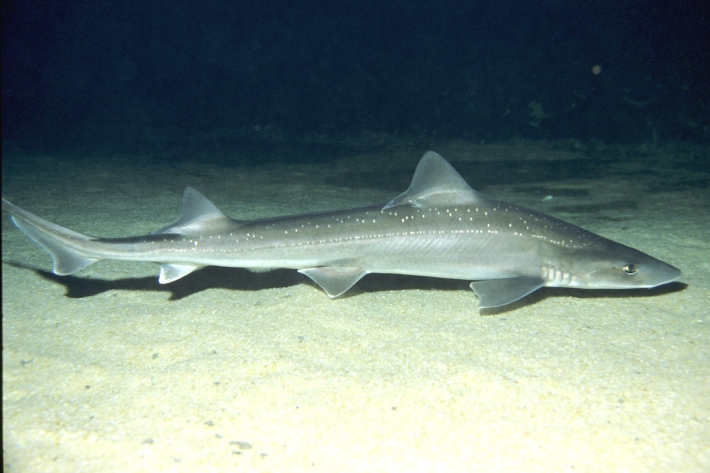
Rig shark
Research ProjectRig shark is an important inshore commercial fish species in New Zealand, and we need to understand more about their habitats, movements, nursery grounds and vulnerability to human impacts to ensure they are managed sustainably and their productivity is enhanced. -
What are greenhouse gases?
Greenhouse gases are atmospheric gases that intercept long-wave (mainly infrared) radiation emitted from the Earth's surface. -
Map Sw North
Education ResourceBecause of its exposure to disturbed weather systems from the Tasman Sea, this climate zone is often quite windy, but has few climate extremes. -
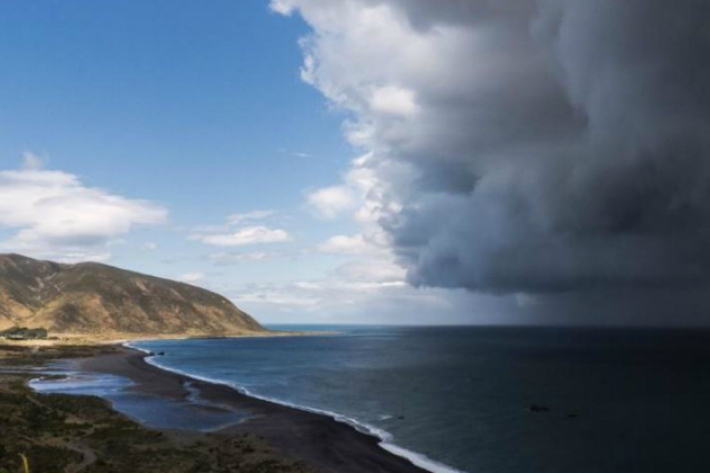
The impact of El Niño and La Niña on New Zealand's climate
El Niño accounts for less than 25 percent of the year-to year variance in seasonal rainfall and temperature at most locations in New Zealand. -
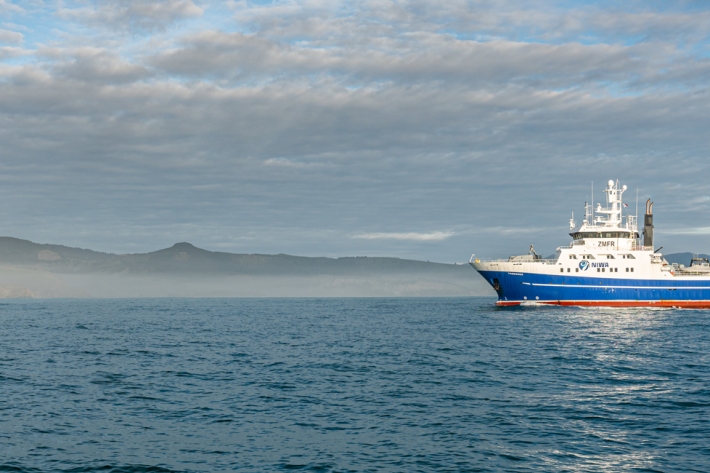
Applying for vessel time
Find out how you can have access to Earth Science NZ's research vessels to carry out marine research voyages.