-

“Very rare find” of ghost shark hatchling
Media release06 June 2017NIWA scientists have made the rare discovery of a days-old ghost shark during a recent survey off the east coast of the South Island. -
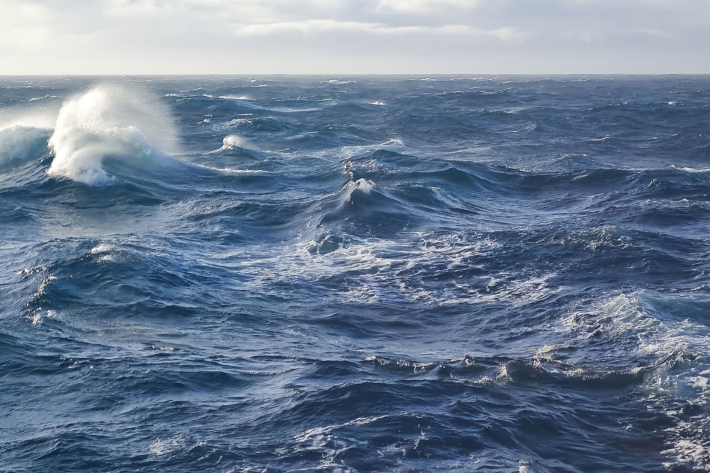
What is ocean acidification?
Education ResourceOcean acidification is the name given to the lowering of pH of the oceans as a result of increasing carbon dioxide (CO2) in the atmosphere. -
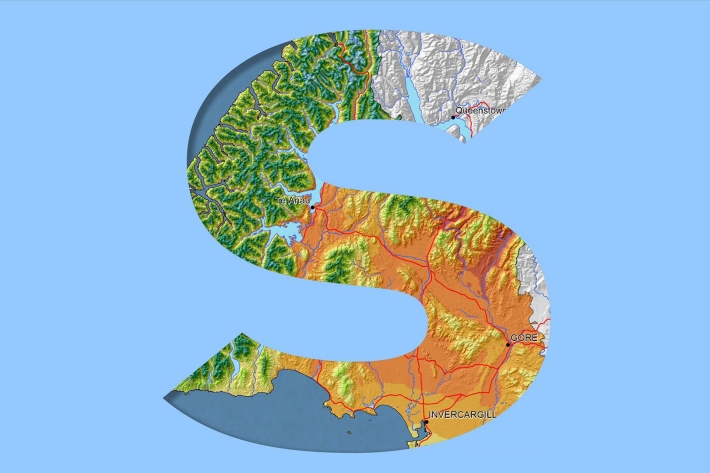
Southland
Southland is both the most southerly and most westerly part of New Zealand and generally is the first to be influenced by weather systems moving onto the country from the west or south. -
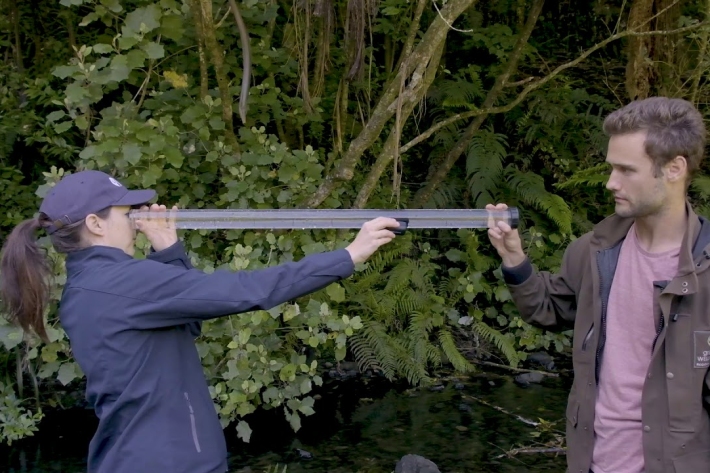
SHMAK water quality – visual clarity
There are two methods to determine visual clarity in SHMAK; the clarity tube (or SHMAK tube) and the black disc method. -
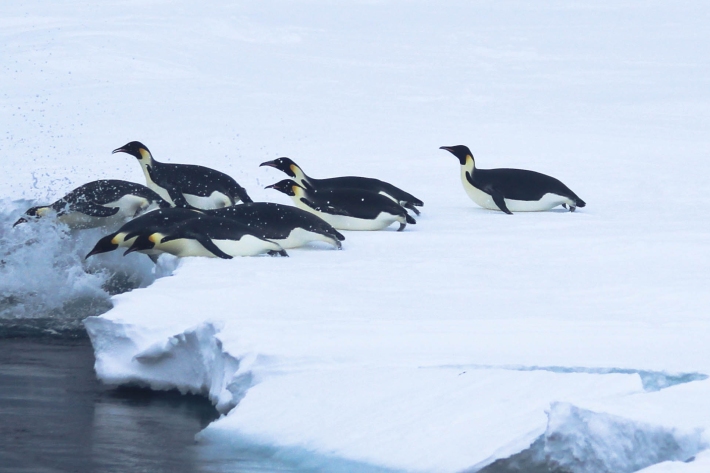
Emperor penguin foraging behaviour revealed
Media release06 June 2017An unavoidable delay in a research ship’s voyage to Antarctica resulted in some surprising and important findings about the behaviour of emperor penguins. -
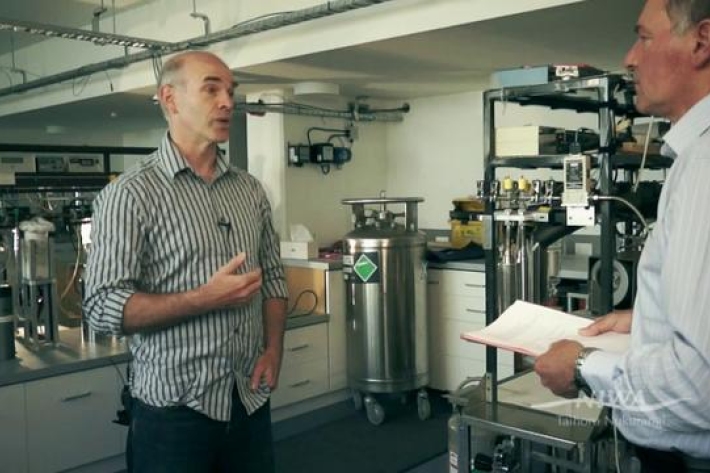
What is Ocean acidification?
NIWA oceanographer Dr Cliff Law explains the impacts of ocean acidification on organisms that use carbonates to build their shells, and on bacteria. -
Instream barriers and altered water flow
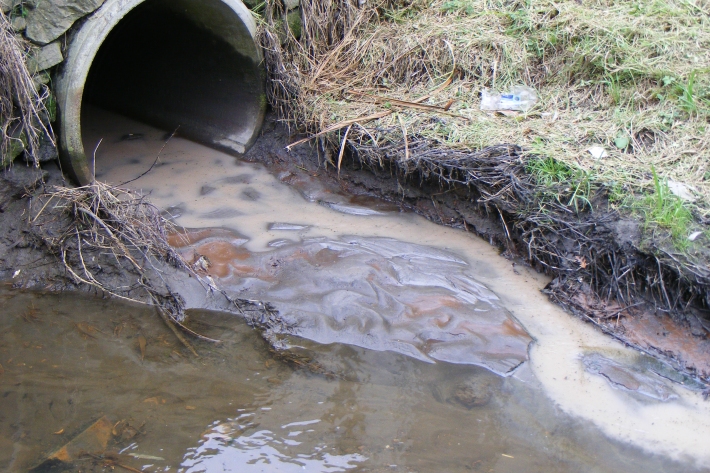
Instream barriers and diversions alter the natural flow of rivers, streams, and lakes. -

Dry stock farming activities
Dry stock farms can cover large areas of hill-country grassland that may be steep and prone to erosion. -

UVI smartphone apps
Several apps that provide forecasts of the UV index (UVI) are available for smartphones. -

Graphing with Microsoft Excel
How do I create a graph?
Using Microsoft® Excel is easy because the Chart Wizard does all the work for you!
Simply enter the data for your data table.
Highlight the cells you want to graph.
Click on the Chart Wizard icon on the Tool Bar.
Select the chart type you want to use and click Next.
Click Next to confirm the range of cells.
Give your graph a title, label x- and y-axis and click Next.
Click on the gridlines tab to remove or add gridlines.
Click Finish and graph is complete!
Help, my graph is too small!
When the chart wizard creates your graph it will probably be too smal -
Summer Series Week 4: Know your shells
News article06 June 2017If you're collecting sea shells at the beach this summer and wondering what they are, NIWA is here to help.